Tailscale 远程访问
DeepSeek Harness 监听 0.0.0.0 时报错:
error: --host 0.0.0.0 is intentionally not supported yet for safety:
it would expose remote code execution to the network; use 127.0.0.1 instead
Tailscale Serve 代理本机的 127.0.0.1:3080。
配置
DSH 启动参数:
npx @deepseek-ai/dsh web \
  --no-open \
  --host 127.0.0.1 \
  --port 3080 \
  --trusted-host '<device>.<tailnet>.ts.net'
Tailscale Serve:
tailscale serve --bg http://127.0.0.1:3080
tailscale serve status
访问链路:
https://<device>.<tailnet>.ts.net
    -> Tailscale Serve
    -> http://127.0.0.1:3080
    -> DeepSeek Harness
Serve 只在 tailnet 内开放;Funnel 会生成公网入口,这里不使用。
问题
API 返回 403
只配置 Tailscale Serve 时,首页可以加载,工作区和 API 返回:
HTTP/2 403

forbidden
Tailscale 转发后,请求 Host 从 127.0.0.1:3080 变为 <device>.<tailnet>.ts.net。增加启动参数:
--trusted-host '<device>.<tailnet>.ts.net'
--trusted-host 只写主机名,不带 https://。
工作区
问题
无法新建工作区
新建工作区报错:
transport failure for /api/host.pickDirectory: HTTP 403
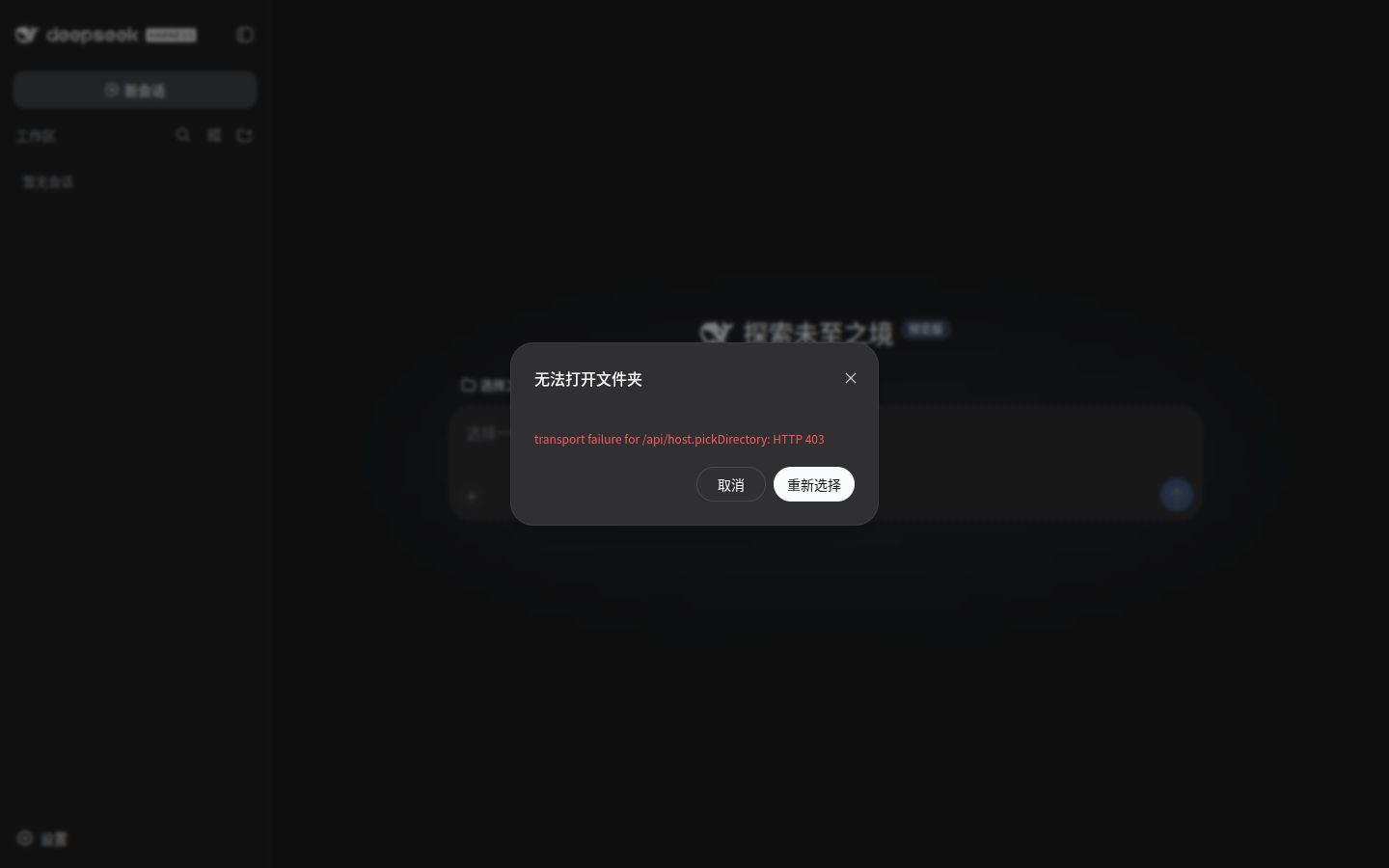
DSH 默认的 directory-picker-auto 在本机存在桌面环境时会选择 native picker。native picker 调用宿主操作系统的文件夹选择框,host.pickDirectory 仅允许 loopback 调用,因此远程浏览器会收到 403。
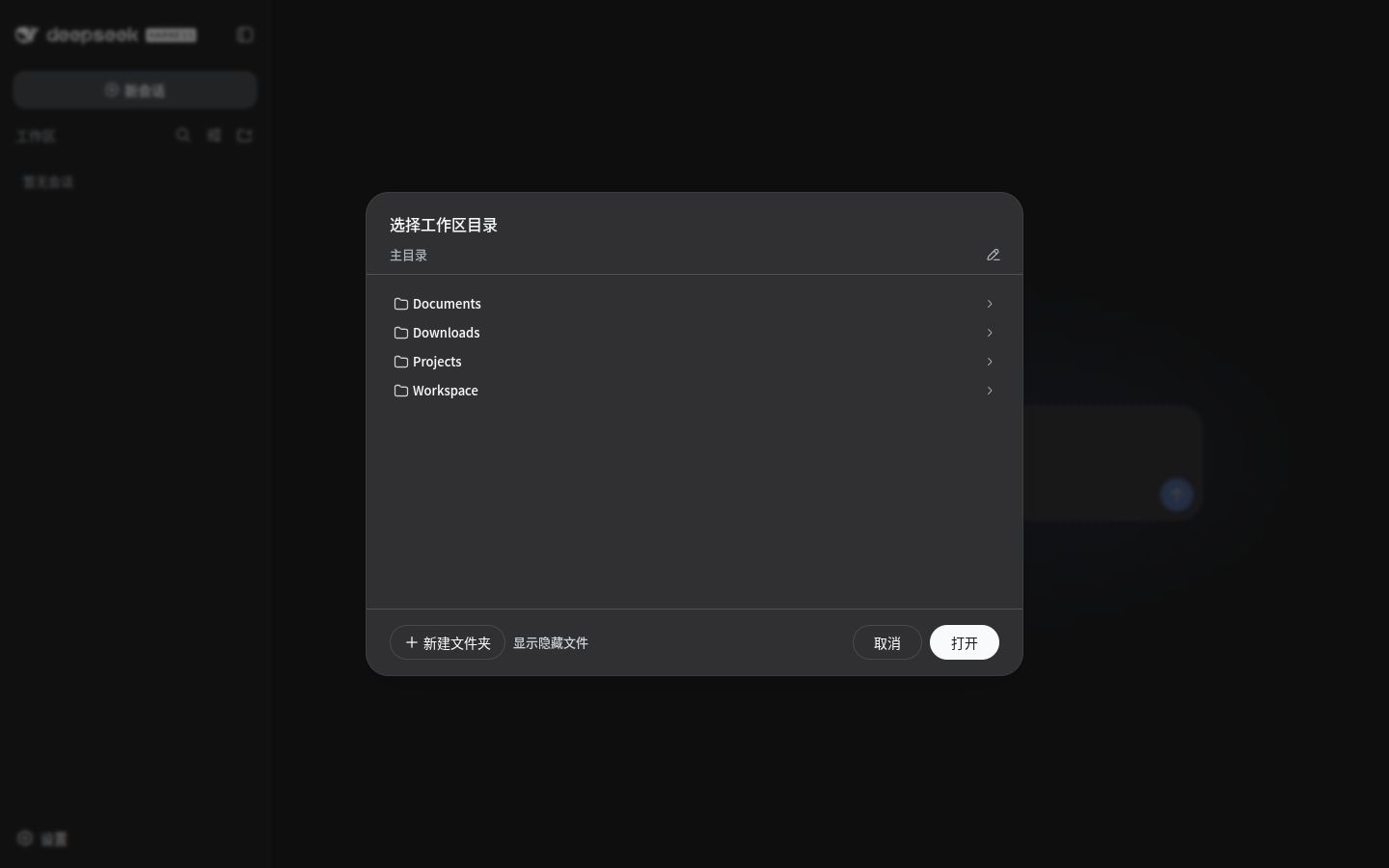
使用 browse picker 在 WebUI 内选择服务器目录。
编辑 ~/.dsh/profiles/web/cordis.patch.yml:
- id: directory-picker
  disabled: true

- insert:
    - id: directory-picker-browse
      name: '@deepseek-ai/dsh-host-directory-picker-browse'
      config:
        maxEntries: 1000

    - id: directory-picker-browse-client
      name: '@deepseek-ai/dsh-client-ui-directory-picker-browse'
只安装 Host 包时,“新建工作区”按钮会消失。Host 和 Client 两个包都要安装,版本与 DSH 保持一致:
dsh_version="$(npx @deepseek-ai/dsh --version)"

npx @deepseek-ai/dsh plugin --profile web add \
  "@deepseek-ai/dsh-host-directory-picker-browse@${dsh_version}"

npx @deepseek-ai/dsh plugin --profile web add \
  "@deepseek-ai/dsh-client-ui-directory-picker-browse@${dsh_version}"
重启 DSH 并强制刷新页面。新建工作区时会打开 WebUI 目录浏览器。
检查最终合成配置:
npx @deepseek-ai/dsh --profile web --dump-config |
  grep -C 3 'directory-picker'
模型设置
问题
无法加载模型设置
模型提供方页面报错:
加载提供方目录失败: settings are unavailable in this browser
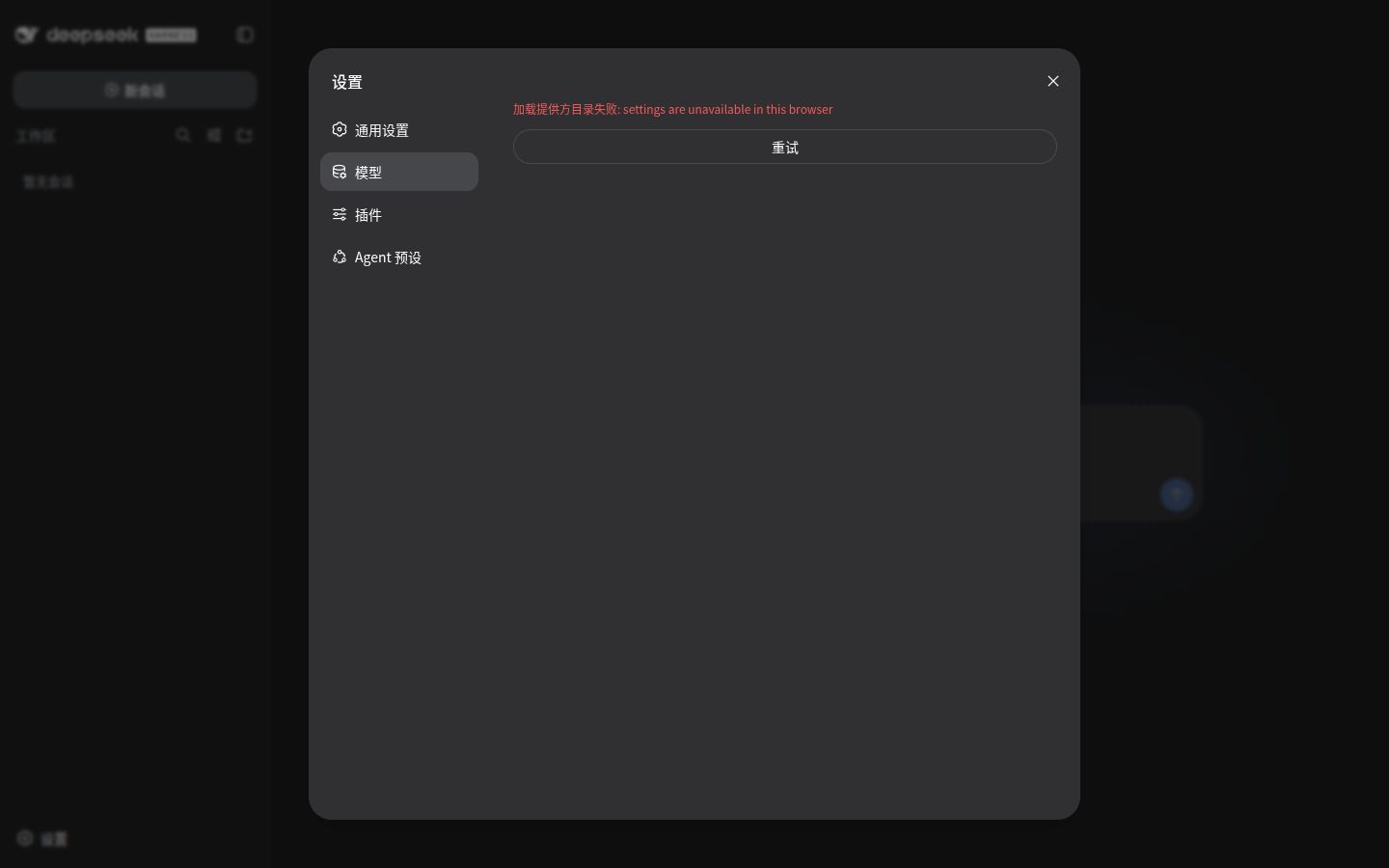
DSH 在浏览器和 Host 两侧都将配置接口限制为 loopback:
settings.describe
settings.update
settings.mutate
credentials.describe
credentials.set
agentPreset.read
agentPreset.copy
agentPreset.remove
--trusted-host 不放行 Settings。Tailscale Serve 的用户身份头也不会用于 DSH Settings 授权。
日常会话和工作区操作使用 Tailscale URL;修改模型和凭据时,使用 SSH 本地端口转发:
ssh -N \
  -L 13080:127.0.0.1:3080 \
  user@<device>
然后访问:
http://127.0.0.1:13080
通过 http://127.0.0.1:13080 访问时,Settings 可以正常加载。
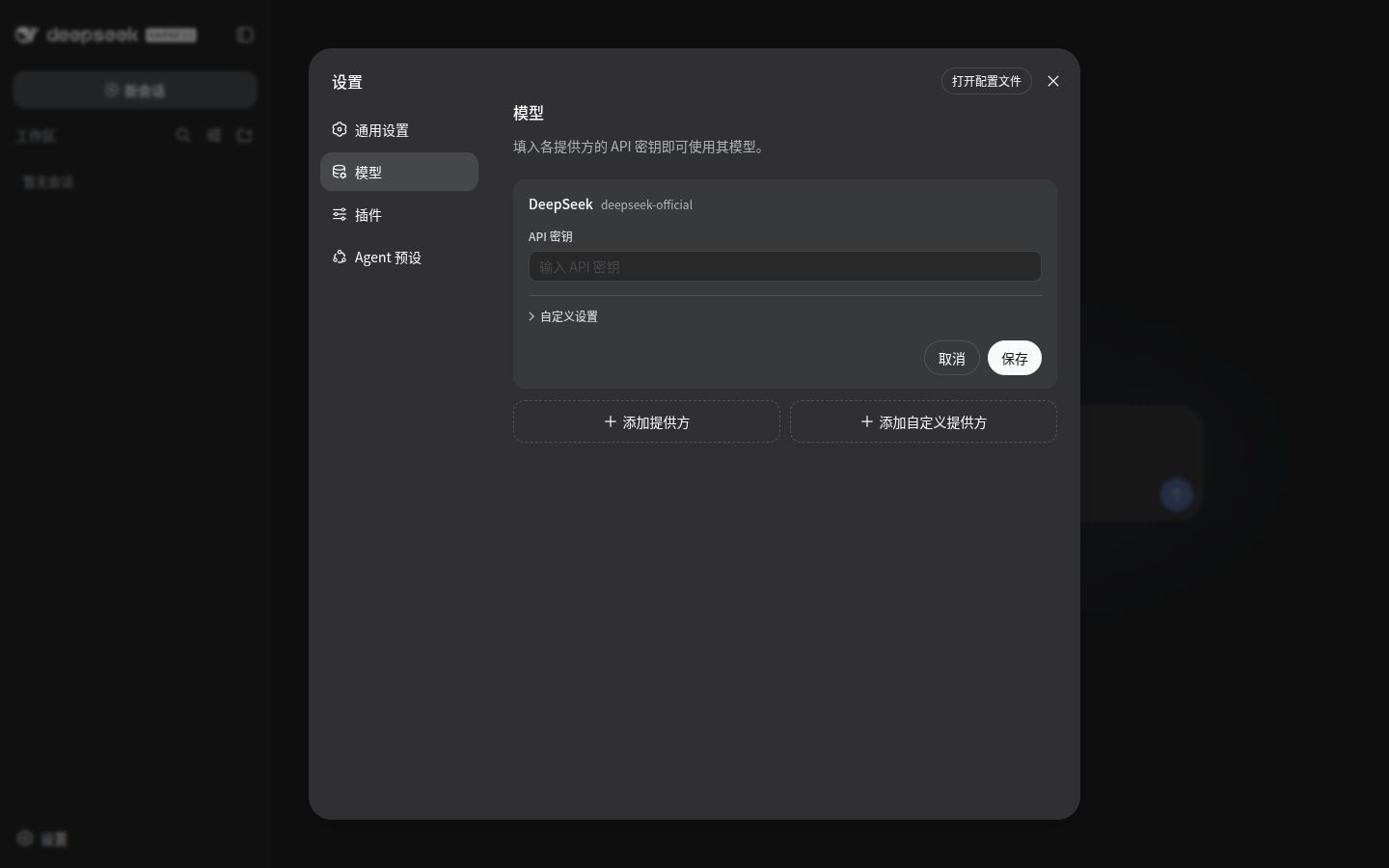
访问方式
普通远程使用
https://<device>.<tailnet>.ts.net

敏感配置管理
SSH tunnel -> http://127.0.0.1:13080
转载请注明来源,欢迎对文章中的引用来源进行考证,欢迎指出任何有错误或不够清晰的表达。